Your countdown, always close.
Show years, weeks, days or progress in your Mac menu bar. Pick the text format and colors that fit your desktop. Open at Login starts the app when you sign in.
 Life Years Left
Busy weeks can pass quickly. Keep a life countdown in your Mac menu bar, see your life in weeks, and make room for wishes in your bucket list. Add day notes and optional desktop quotes with animated companions. Start with a free population estimate sent to your email and shown here.
macOS 14+ · Apple silicon
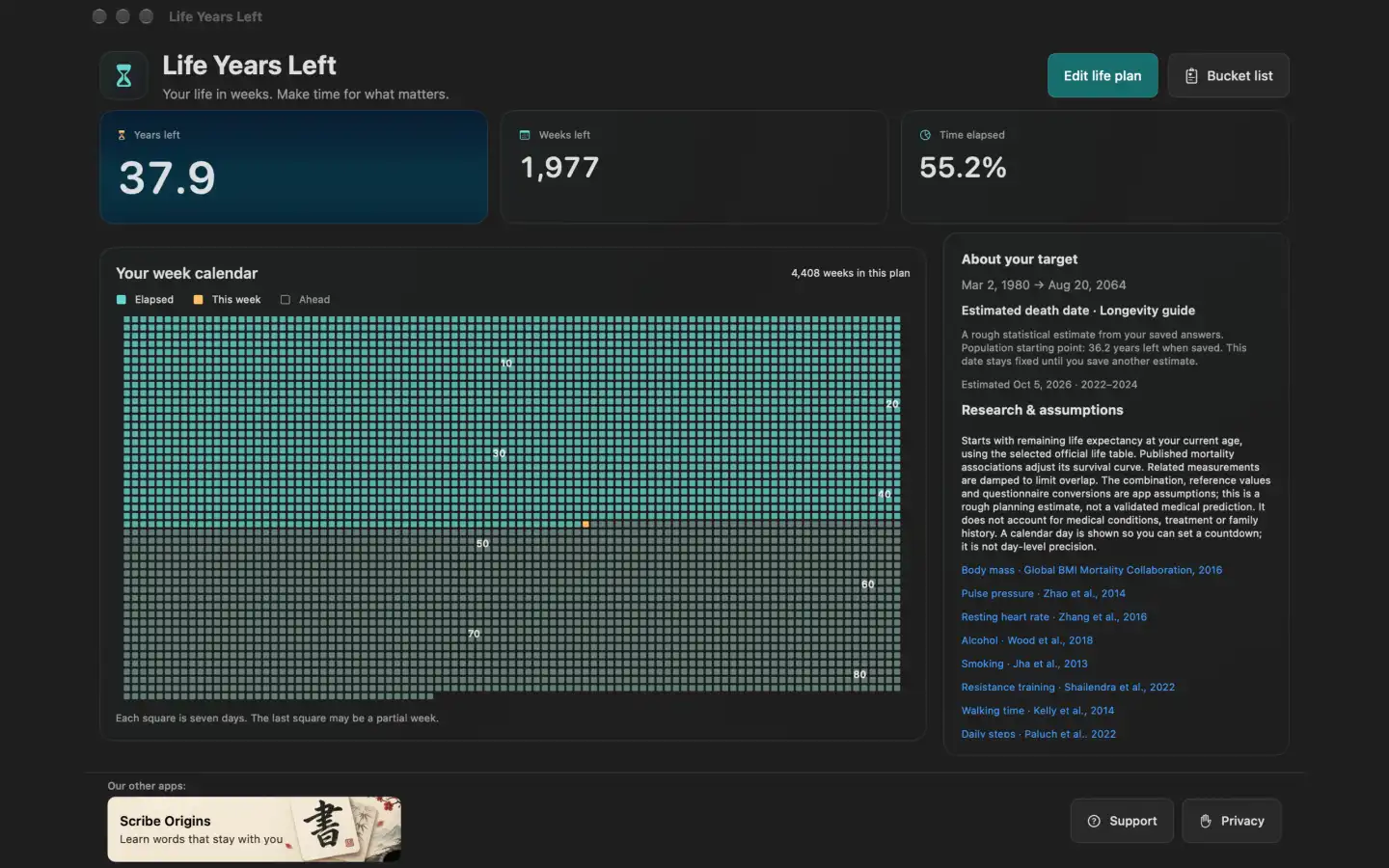
The calculator uses published Australian or US life tables to estimate remaining years and weeks. Enter your email to receive the result and see it here. The displayed death date gives the countdown a target; individual lifespans vary.
A rough population estimate for perspective. Individual lifespans vary widely.
How the death clock estimate worksEstimated death date
This estimate uses population averages and published mortality rates. Your health, circumstances and future changes can make your lifespan very different. The calendar date is a countdown target. It cannot predict your final day.
See the Mac life calendarThe email gives you an estimate to keep. The Mac death clock puts a countdown in your menu bar. Open its calendar whenever you want to see elapsed weeks and the weeks ahead together.
Show years, weeks, days or progress in your Mac menu bar. Pick the text format and colors that fit your desktop. Open at Login starts the app when you sign in.
See completed weeks, this week and the weeks ahead in one calendar. Add a note to a selected day, keep wishes in your bucket list, and share your themed countdown card when you want to keep the perspective with you.
Choose a target age, a population table from 237 countries and areas, or your own dates. Explore a separate scenario with the Longevity guide. Live previews keep your saved countdown unchanged until you choose Save or Use this date.
| Your experience | Website calculator | Mac death clock app |
|---|---|---|
| The reminder | A result on this page and by email | A countdown in your menu bar |
| The bigger picture | Estimated date, years and weeks left | A calendar of elapsed, current and future weeks |
| Your target | A population life-table estimate | Target age, population estimate, custom dates or Longevity guide |
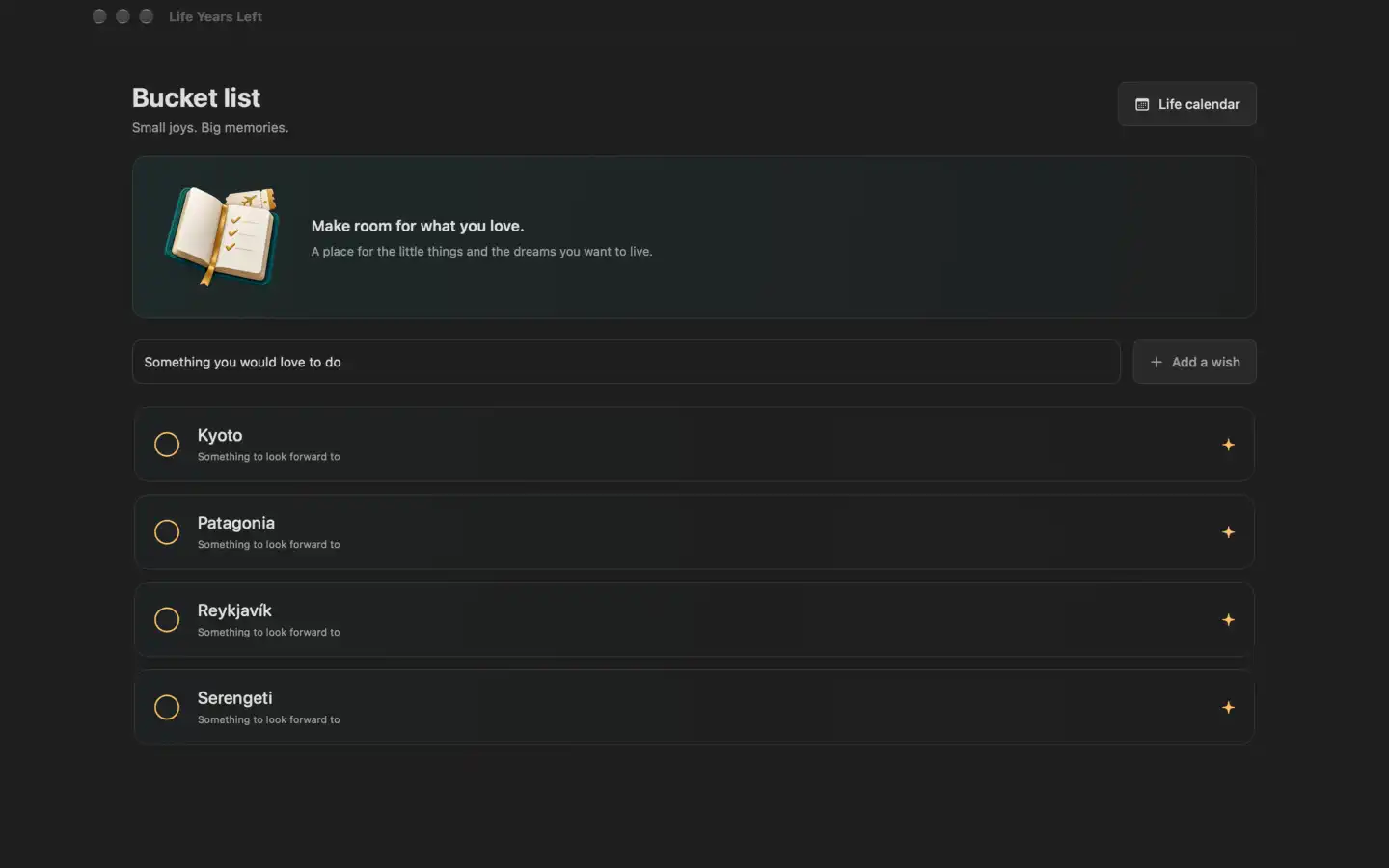
Write down what you would love to do, then mark each wish complete. Your list stays on your Mac.
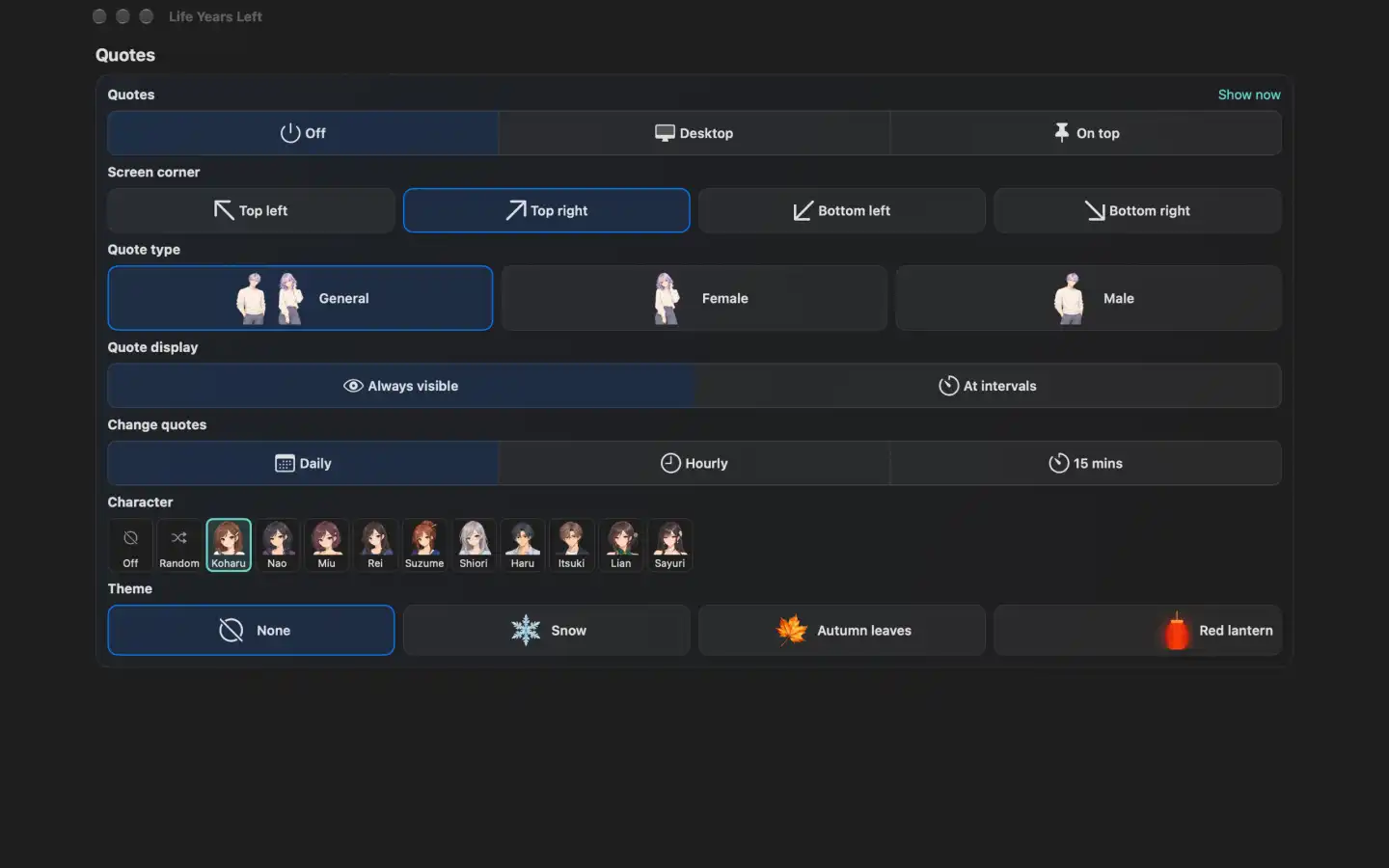
Turn on corner quotes with an animated companion, then choose the corner, the effect and how often quotes change.
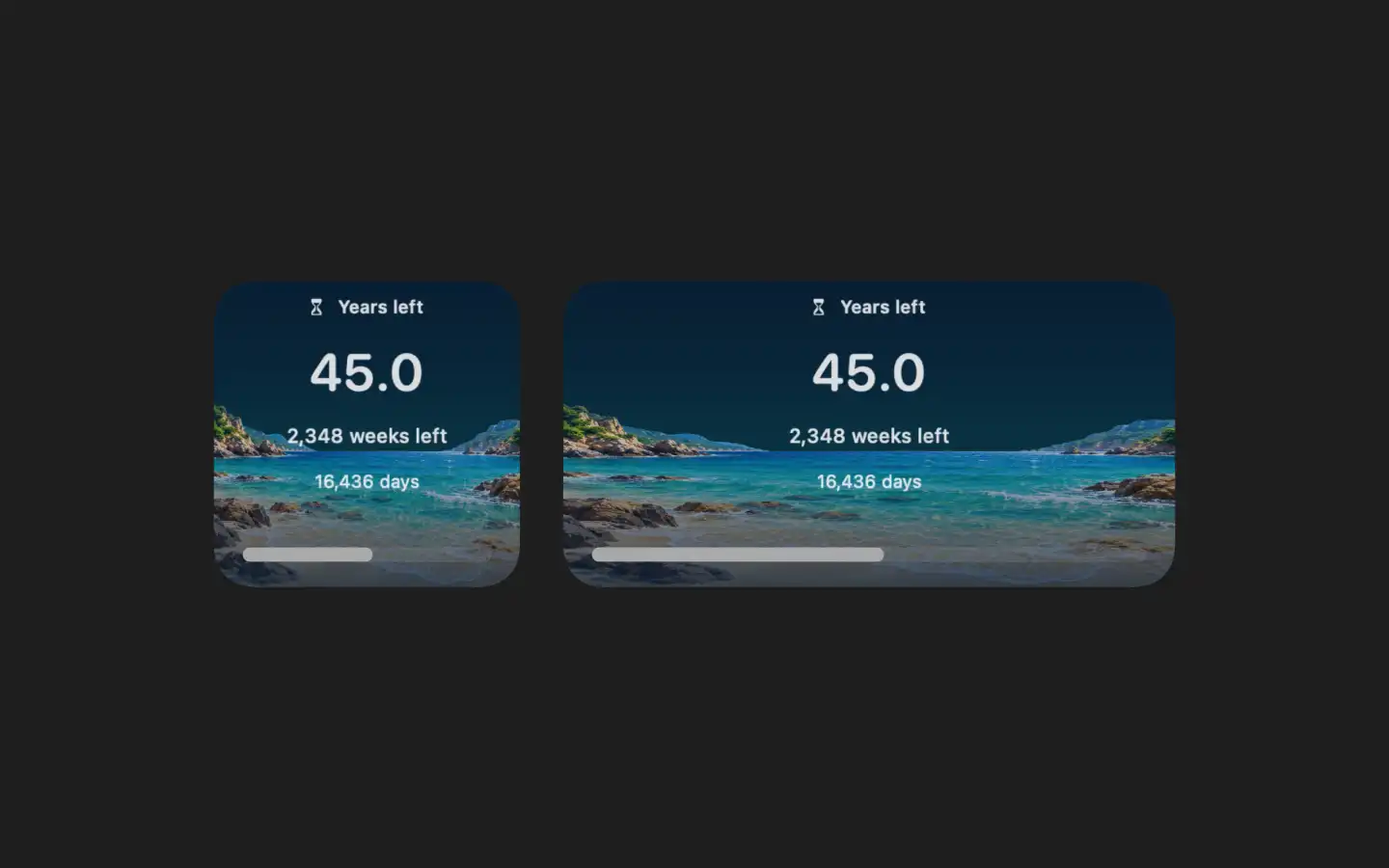
Add a small or medium widget to see your years, weeks and days left at a glance.
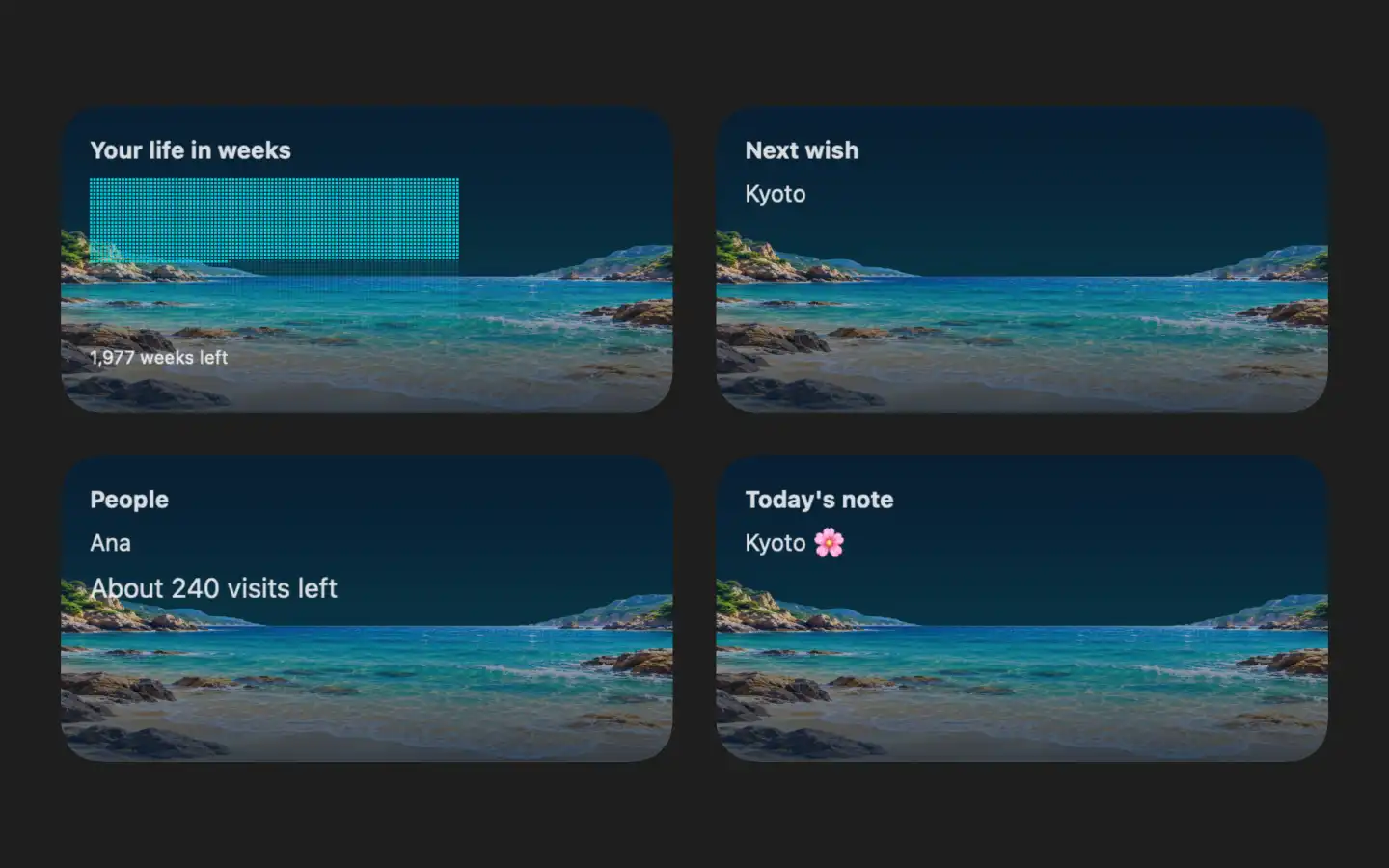
Four more widgets keep your weeks, your next wish, the visits left with someone you love and today's note in view.
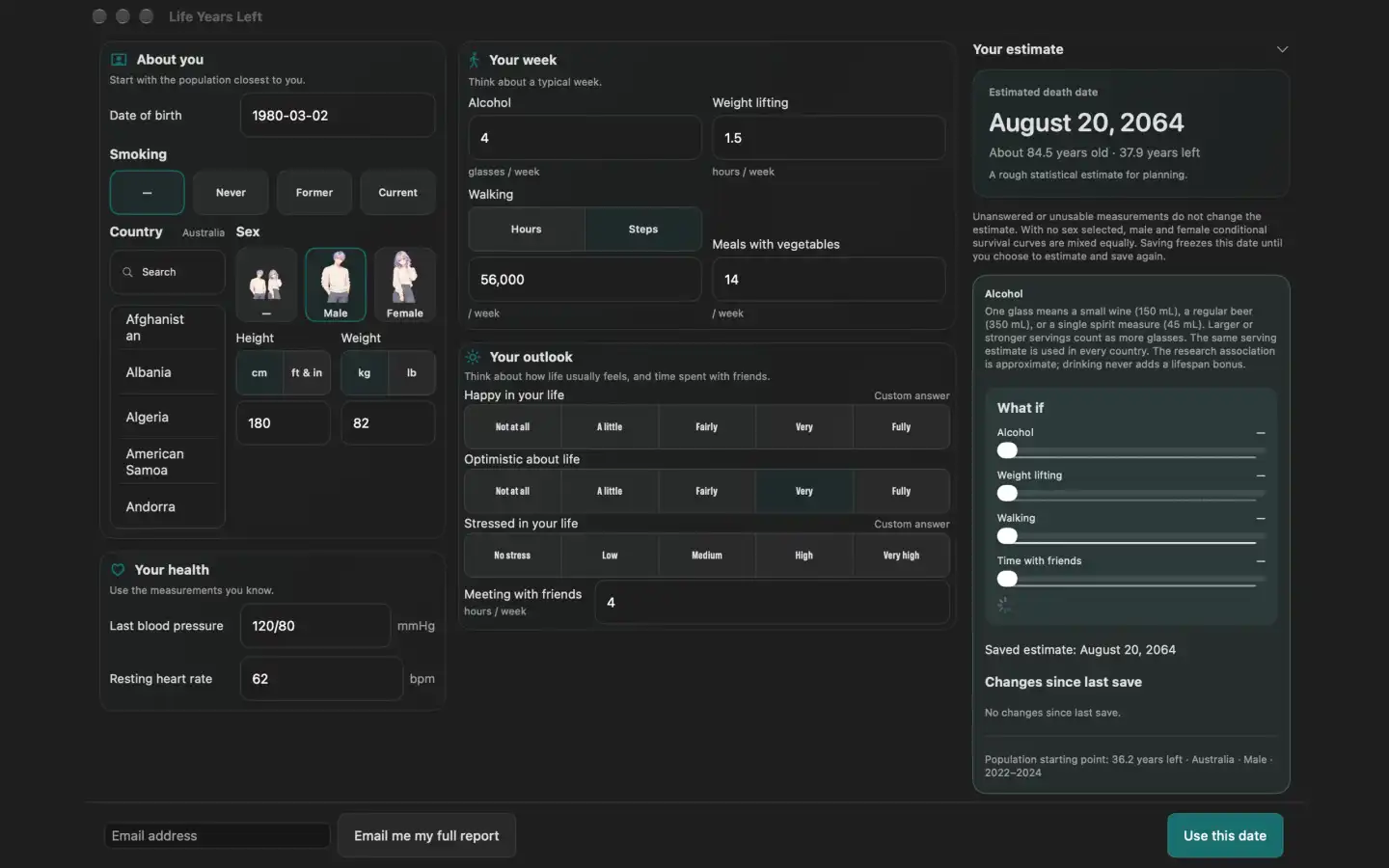
Answer the Longevity guide and see a ballpark date, with its sources and assumptions inside the app.
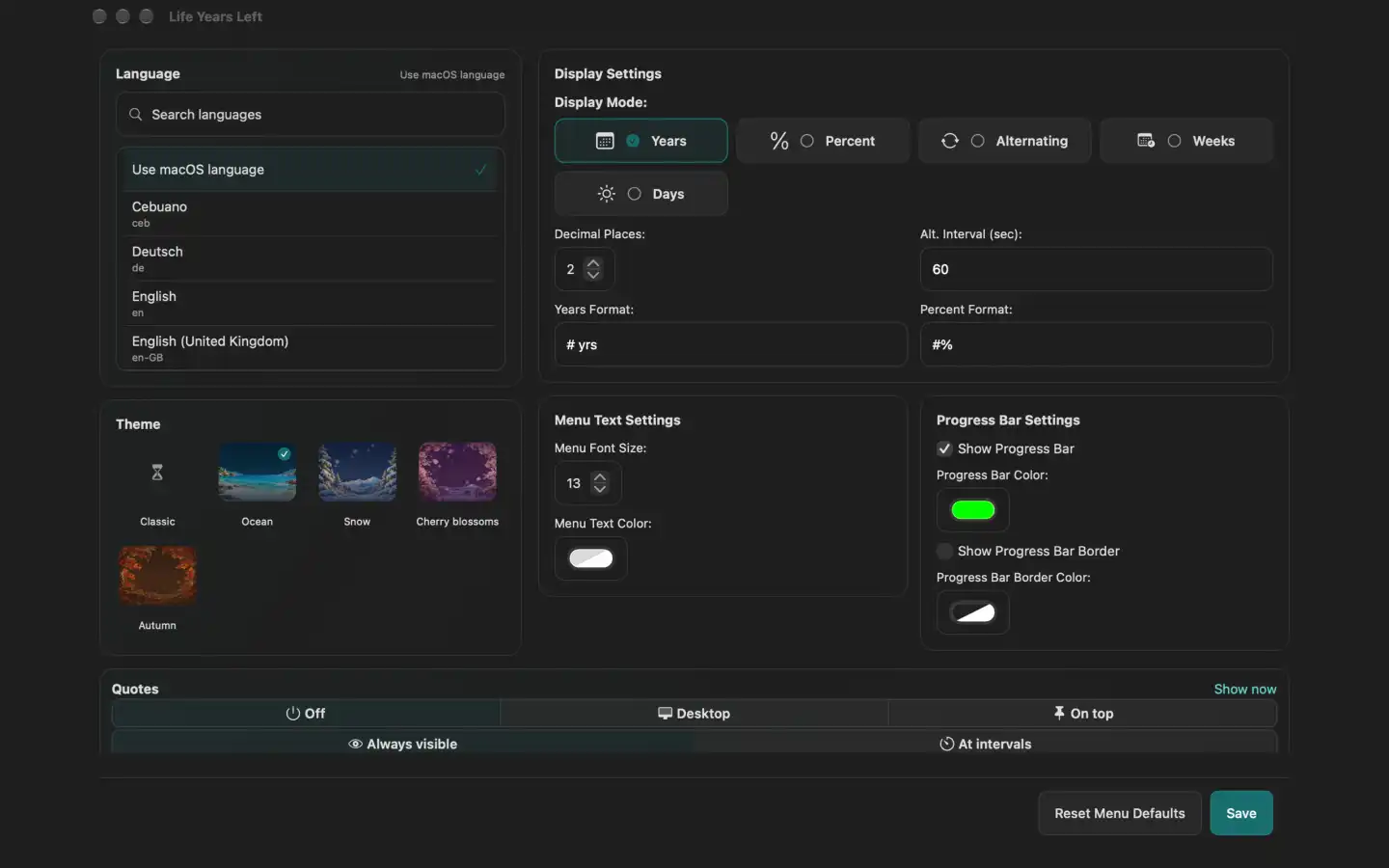
Choose display formats, decimal places, colors and nature themes.
If you miss a check-in and the waiting time ends, your saved messages will be emailed to your groups. Opening the app does not confirm a check-in.
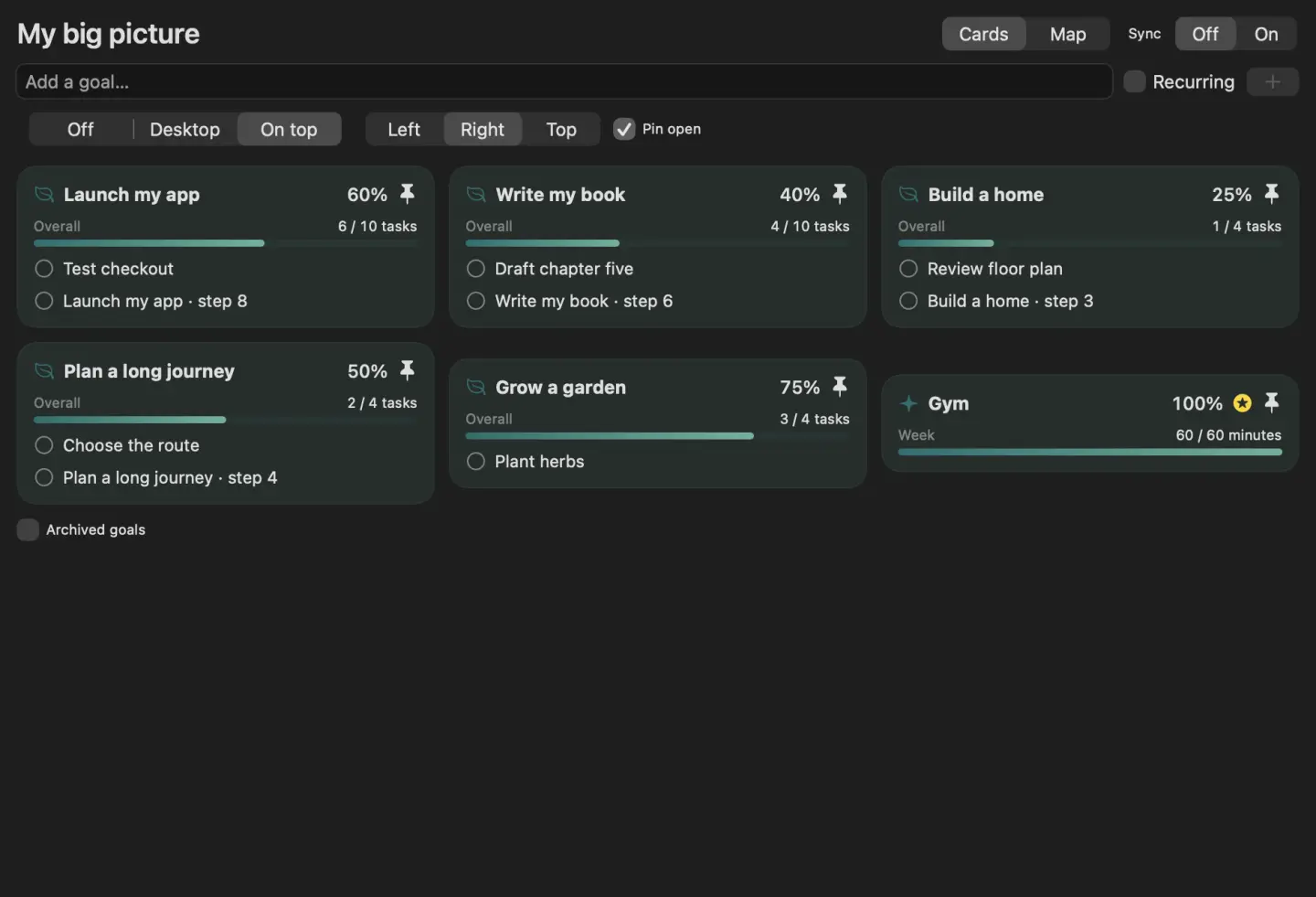
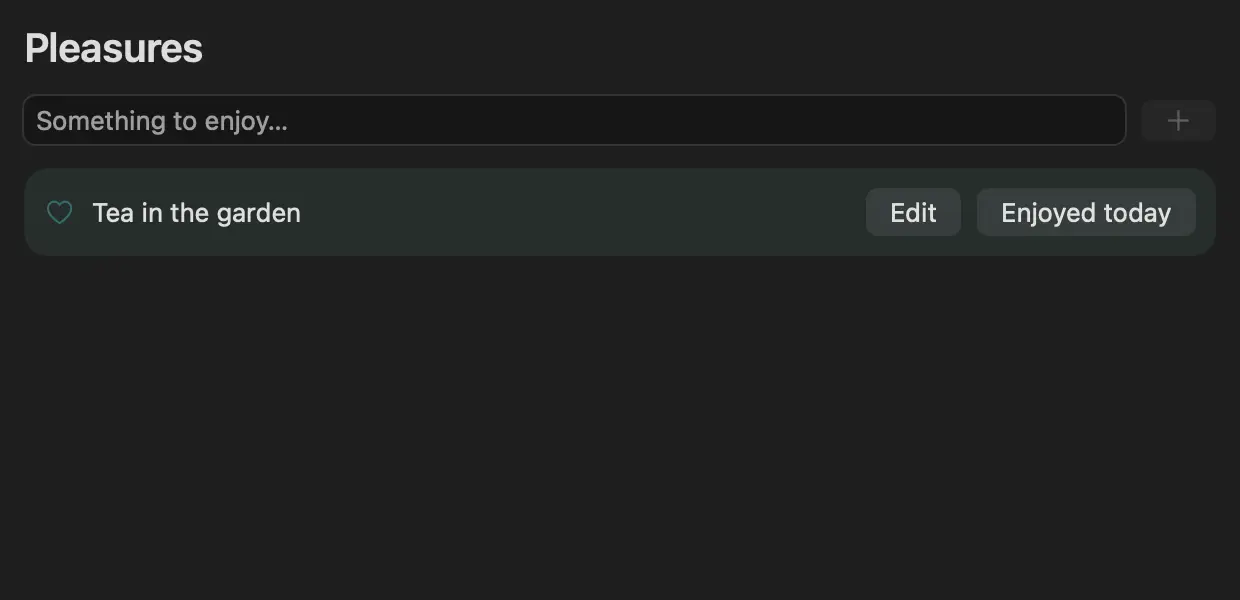
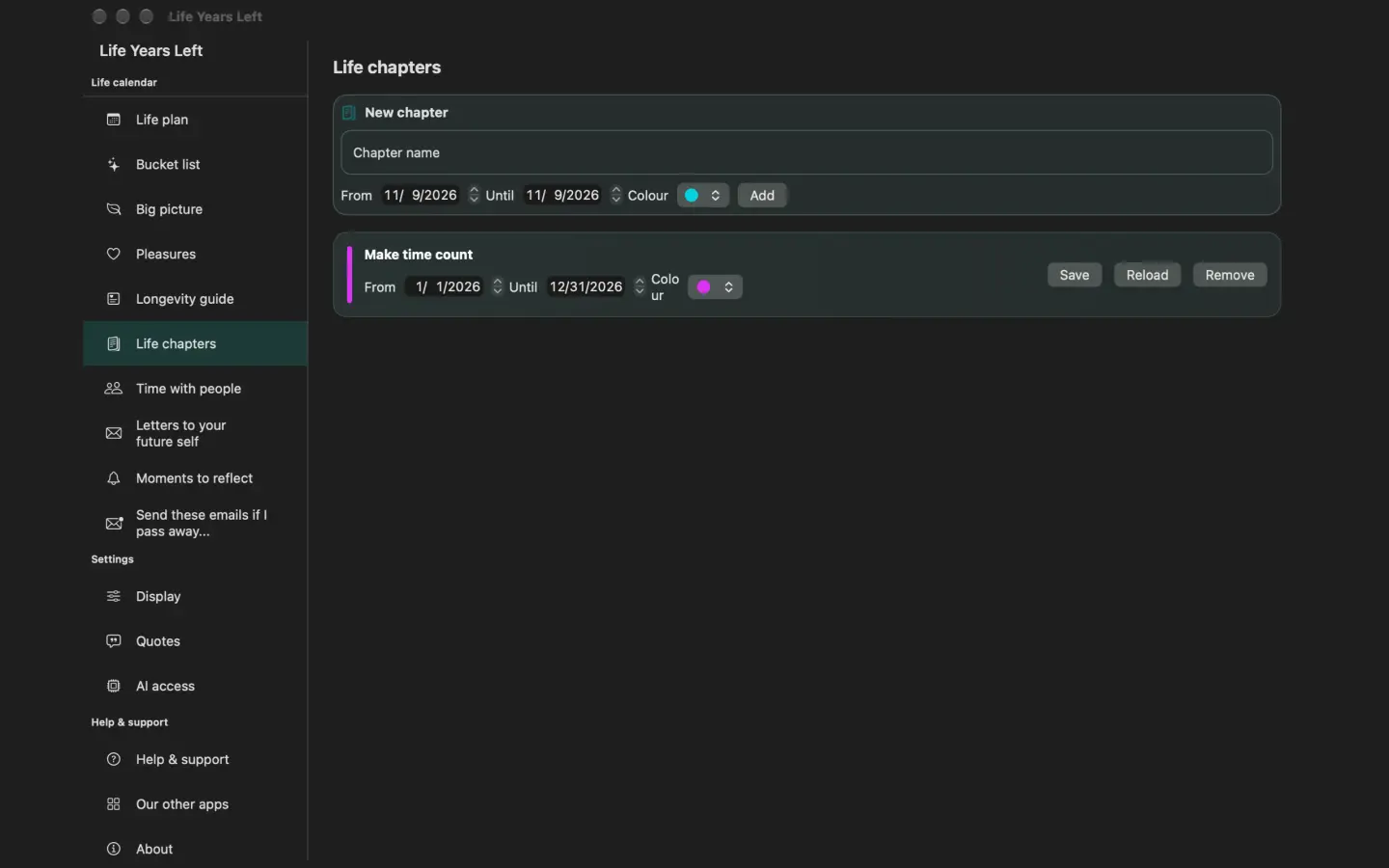
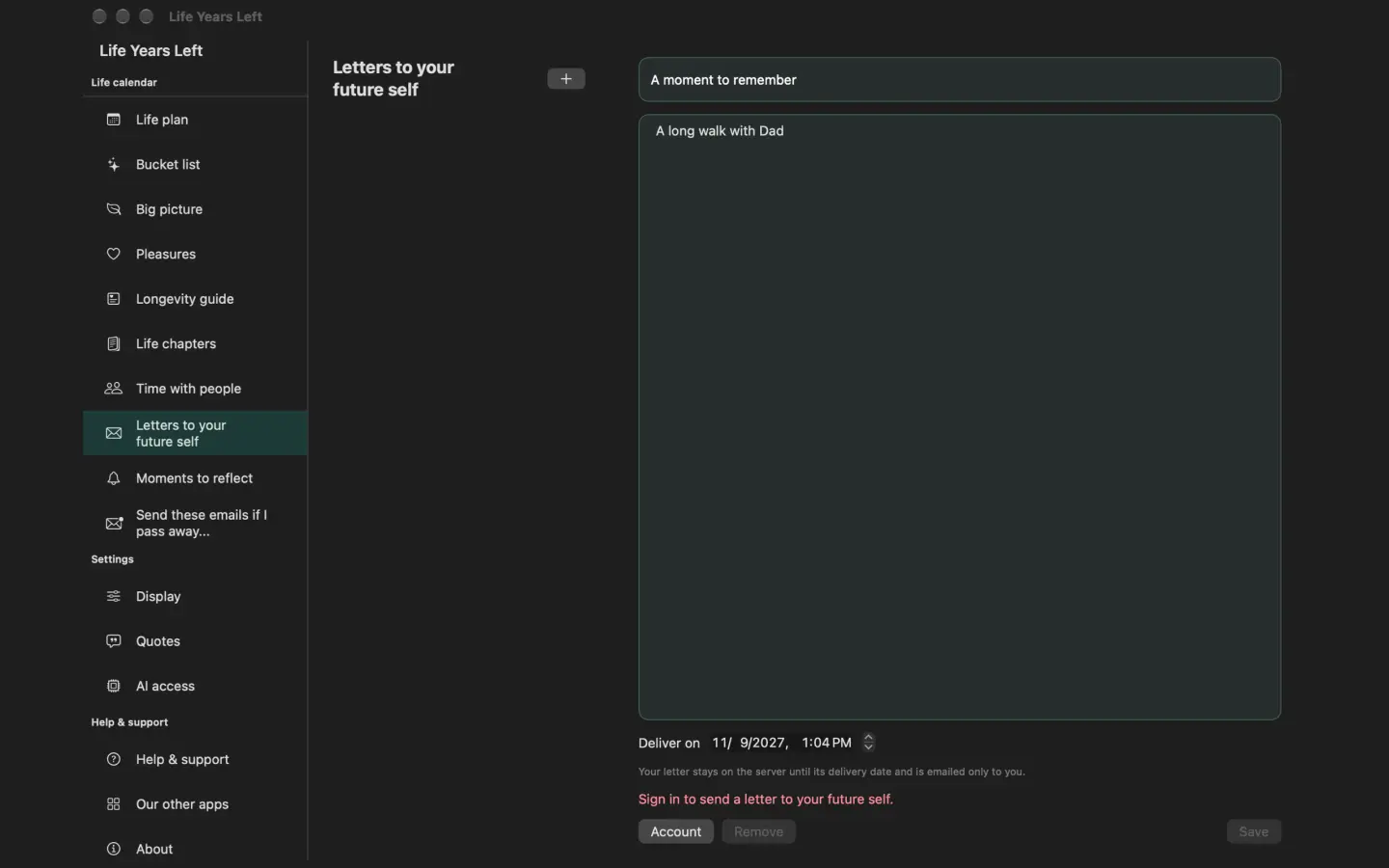
Big picture turns projects and recurring goals into tasks and progress views. Pleasures records things you enjoyed. Add life chapters, estimate visits left with people you love, and write letters emailed to your future self. Set weekly or birthday reflection reminders, save a year review or calendar poster, and use it as wallpaper. A verified account enables optional life-record sync and scheduled messages.
The online death clock calculator finds remaining life expectancy at your current age, using your birth date and the population table you choose. It interpolates between birthdays, then adds the remaining years to today's date.
It doesn't subtract your age from life expectancy at birth. If you choose both sex categories, it averages their remaining-years values equally.
These are period life tables: they assume the source period's mortality rates continue. The website estimate doesn't assess health, smoking, family history or lifestyle, and it doesn't forecast future medical advances.
The Mac app's Longevity guide offers a separate research-informed scenario using health, activity and wellbeing answers. The combined guide is not clinically validated as a personal death prediction. Its sources and assumptions are available in the app.
You can use a death clock to compare a planning estimate with the time you have lived. The date remains uncertain, and you can choose a different target in the Mac app.
The homepage death clock uses population life tables only. The separate Mac Longevity guide draws on these studies of activity, social connection and wellbeing. Each finding has a population and limits; read the research alongside the assumptions.
Across 47,471 adults, more daily steps were associated with lower mortality, with different patterns by age. The study does not convert a walk into a fixed number of extra years.
Paluch et al. · Lancet Public Health ↗A review linked resistance training with lower mortality risk. Higher-volume effects remained uncertain. An association during follow-up isn't a guaranteed lifespan increase.
Shailendra et al. · American Journal of Preventive Medicine ↗A UK Biobank study examined social connection and mortality, including visits with friends and family. Its findings don't directly convert hours with friends into extra years of life.
Foster et al. · BMC Medicine ↗After accounting for health and other factors, the UK Million Women Study didn't find an independent happiness effect on mortality in middle-aged women. Our app records happiness as context.
Liu et al. · The Lancet ↗Explore our "best of" guide, compare Mac and mobile apps, or understand what a life expectancy calculator can tell you.
Our guides are written by the maker of Life Years Left, using official product descriptions. Recommendations are feature-based assessments from our perspective.
A death clock turns an estimated lifespan into a countdown. Life Years Left shows a rough estimated death date and time remaining, so you can think about how you spend your weeks. It cannot predict when an individual will die.
The free online calculator uses your birth date and an Australian or US male or female life table to find remaining life expectancy at your current age. It interpolates between birthdays and adds the remaining years to today's date. The combined option averages the two published tables equally. It does not apply health or lifestyle adjustments.
A death clock is a rough statistical estimate, not a personal medical prediction. These period life tables assume the source period's mortality rates continue. Health, circumstances, future changes and chance can make an individual's lifespan very different. A calendar date is shown for the countdown, not because the estimate is precise to a day.
An email address is required to receive and view your estimate. Choose "Email the result" and we will email your estimate and show it here too. App release updates are optional. If the email cannot be sent after your address is saved, we explain what happened and still show the estimate.
Life Years Left combines a menu bar countdown, life calendar, editable bucket list and day notes. Choose nature themes, share your countdown card, add desktop widgets on macOS 14.4 or later, or show optional corner quotes with animated companions. Choose quote timing, seasonal effects and desktop or always-on-top placement. Choose General, Female or Male quote wording separately from your companion. Optional local AI access can read your countdown and wishes, or edit supported plan, wish and display choices after you grant full access.
The website provides a simple population estimate. The Mac app adds a persistent menu bar countdown, a life calendar, custom targets and a Longevity guide with health, habit and outlook questions. The guide is a research-informed planning scenario, not a clinically validated medical prediction.
The native Mac app requires Apple silicon and macOS 14 or later. Desktop widgets require macOS 14.4 or later. The online calculator works in a modern browser on phones and computers without the Mac app.
Life Years Left shows a countdown in your menu bar and a calendar of weeks when you open the app. Enter your email to request app release updates.
Sign up for app release emails. Privacy policy · macOS 14+